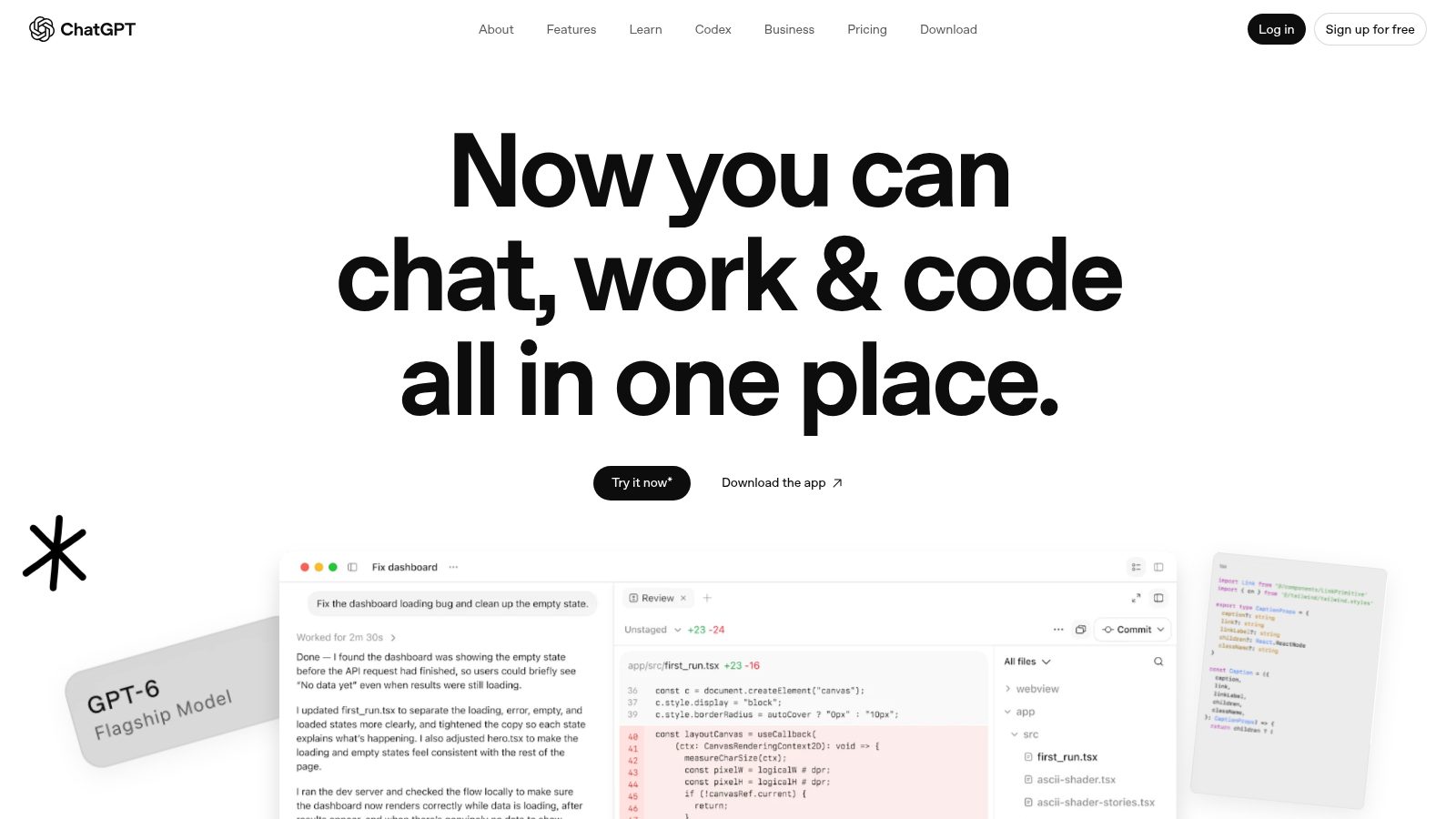
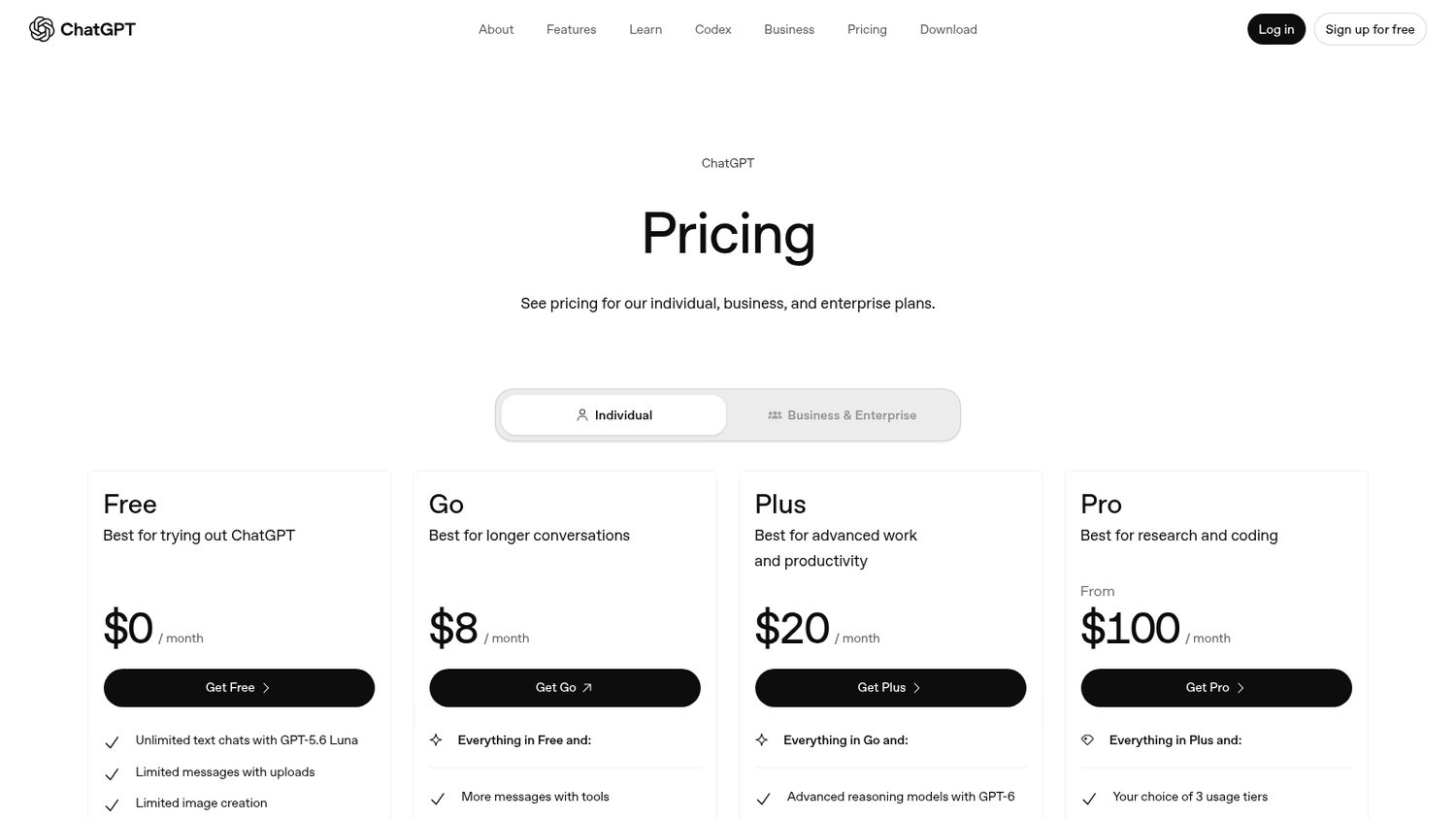
ChatGPT Plus
But Plus is the middle tier.
It comes with message caps, and the answer to the caps is the plan above it.
And it is one login. Three people on your team is three subscriptions.
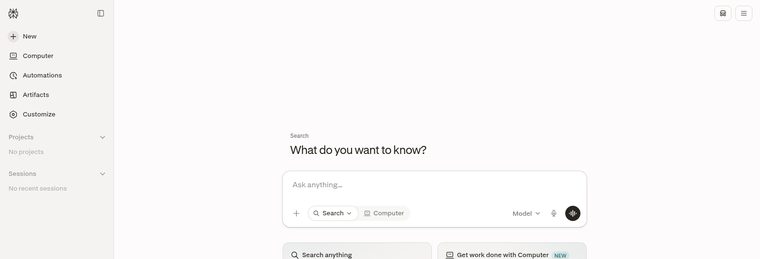

But Plus is the middle tier.
It comes with message caps, and the answer to the caps is the plan above it.
And it is one login. Three people on your team is three subscriptions.
ChatGPT Plus is $20 a month.
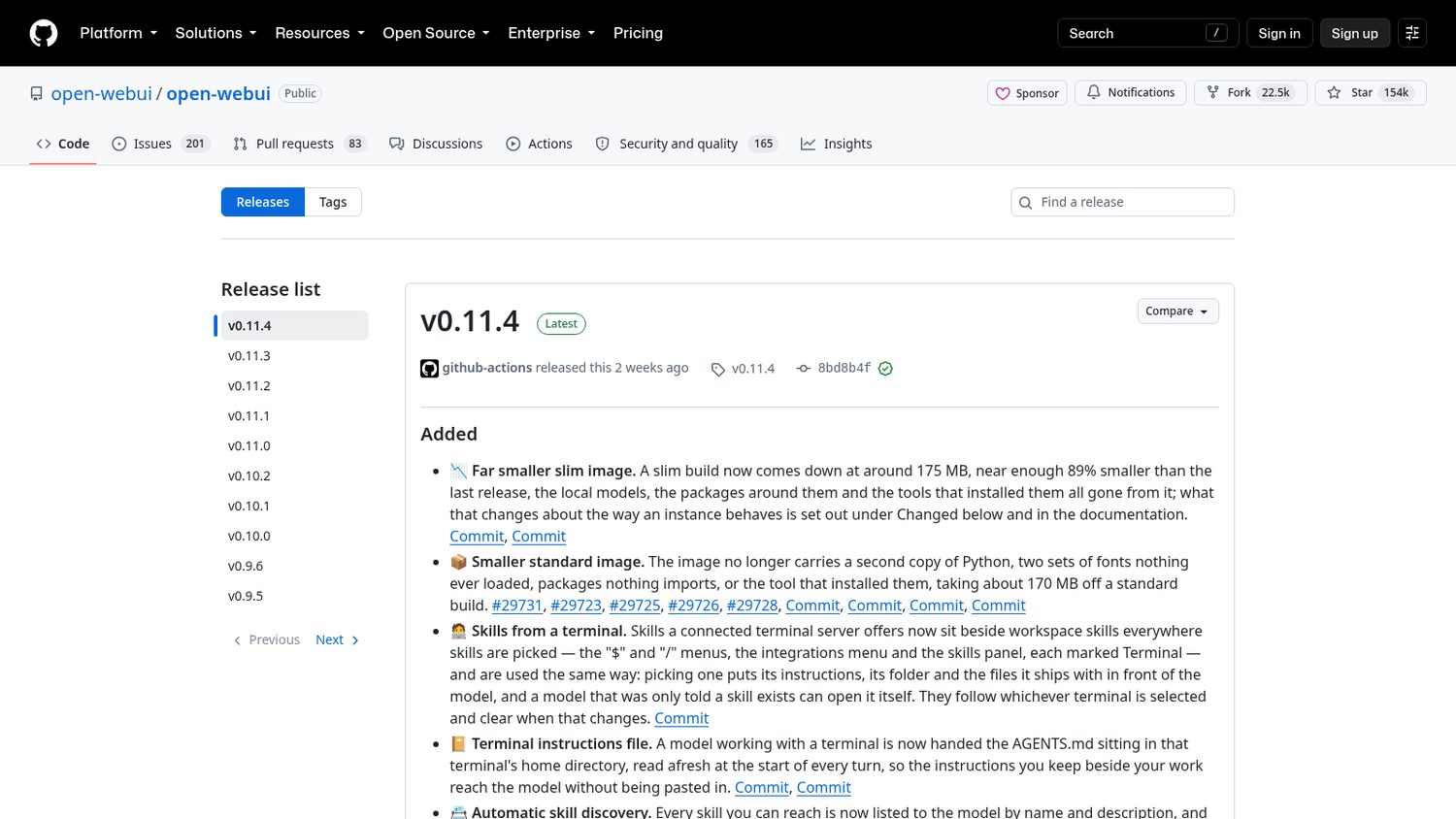
Then a team put one on GitHub.
It is called Open WebUI.
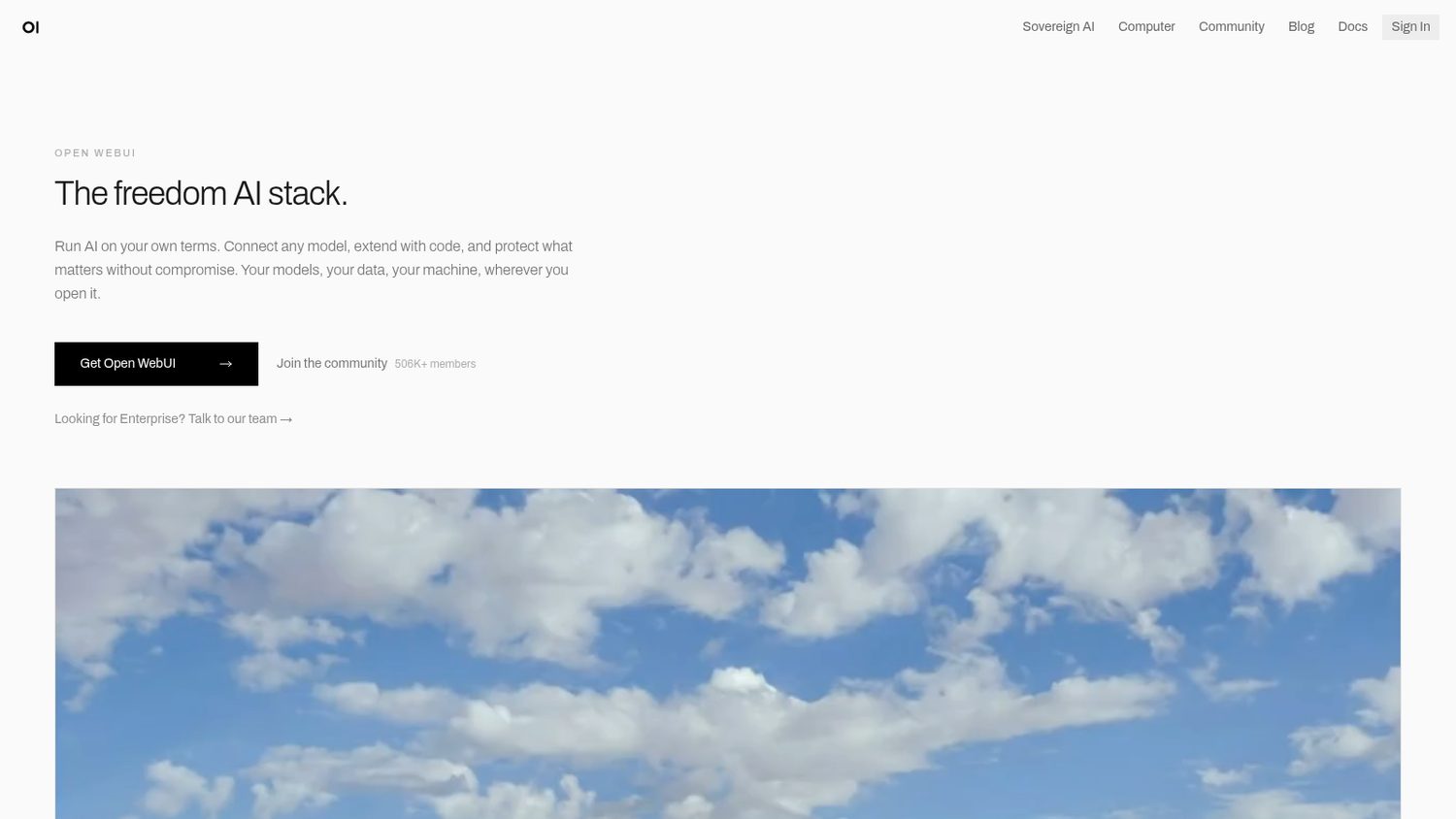
It is a chat app that looks like the one you are paying for, running on a computer you control.
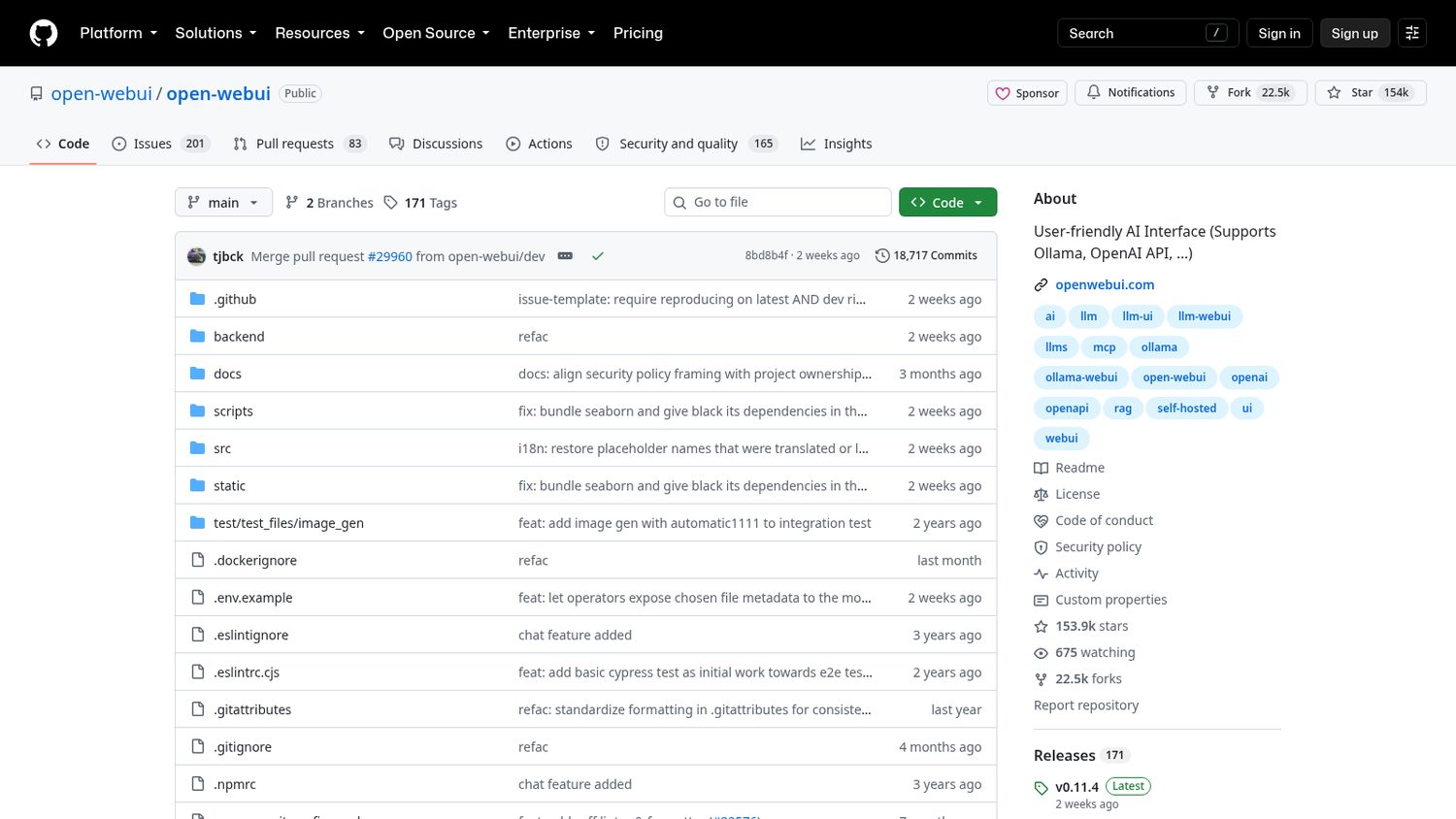
You install it once, then open it in your browser like any other site.
You pick what powers it: a free model running on your own machine, or a key from a model company that bills you only for what you use.
After that you just chat.
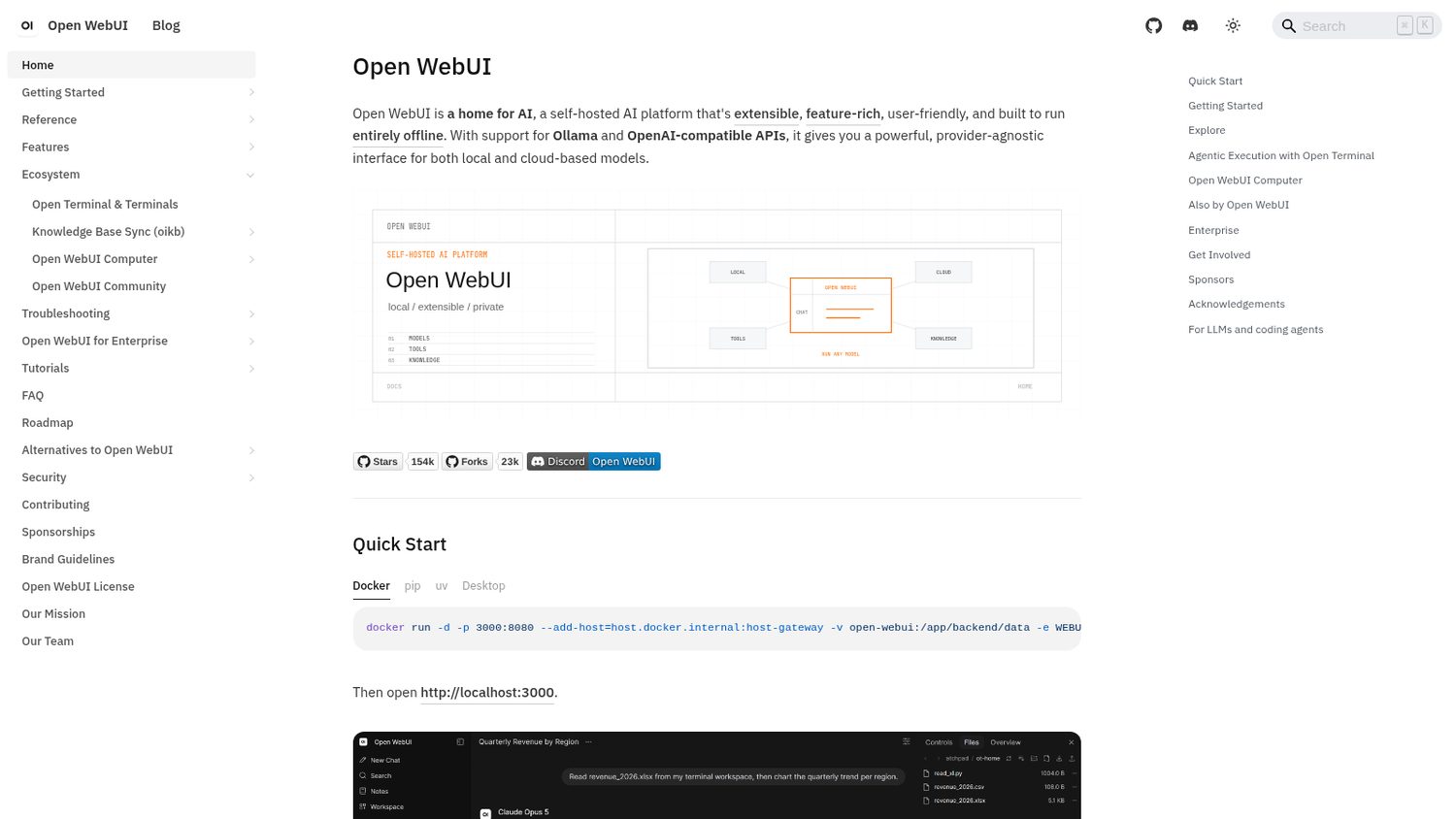
Here is what Open WebUI ships:
Worth noticing:
The app is free. The model is not always free. Run one on your own machine and you pay nothing, but you need a decent computer. Point it at a key instead and you pay for what you use.
And a server you run yourself is work. The license is their own too, with rules about keeping their name on the app.
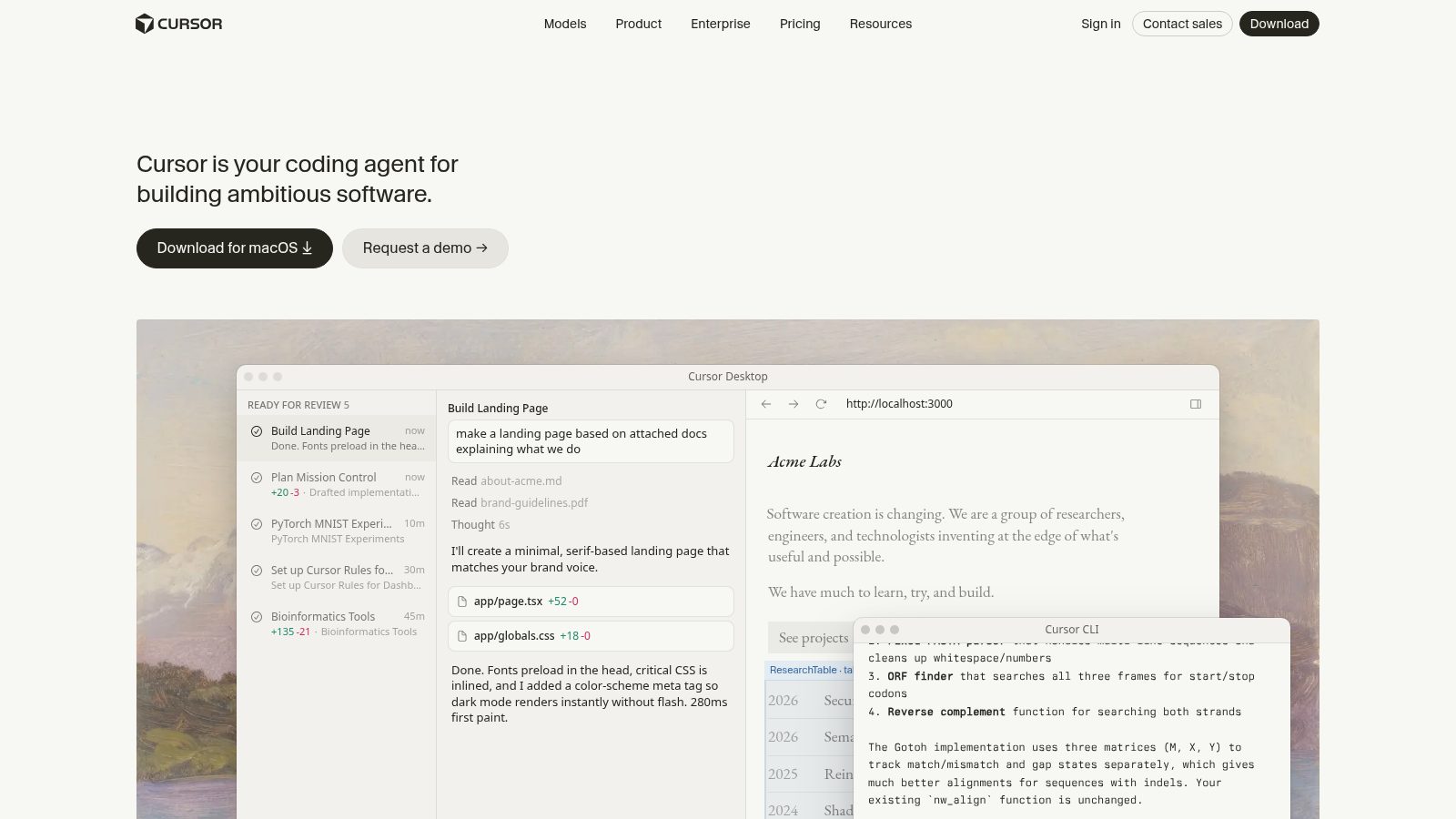
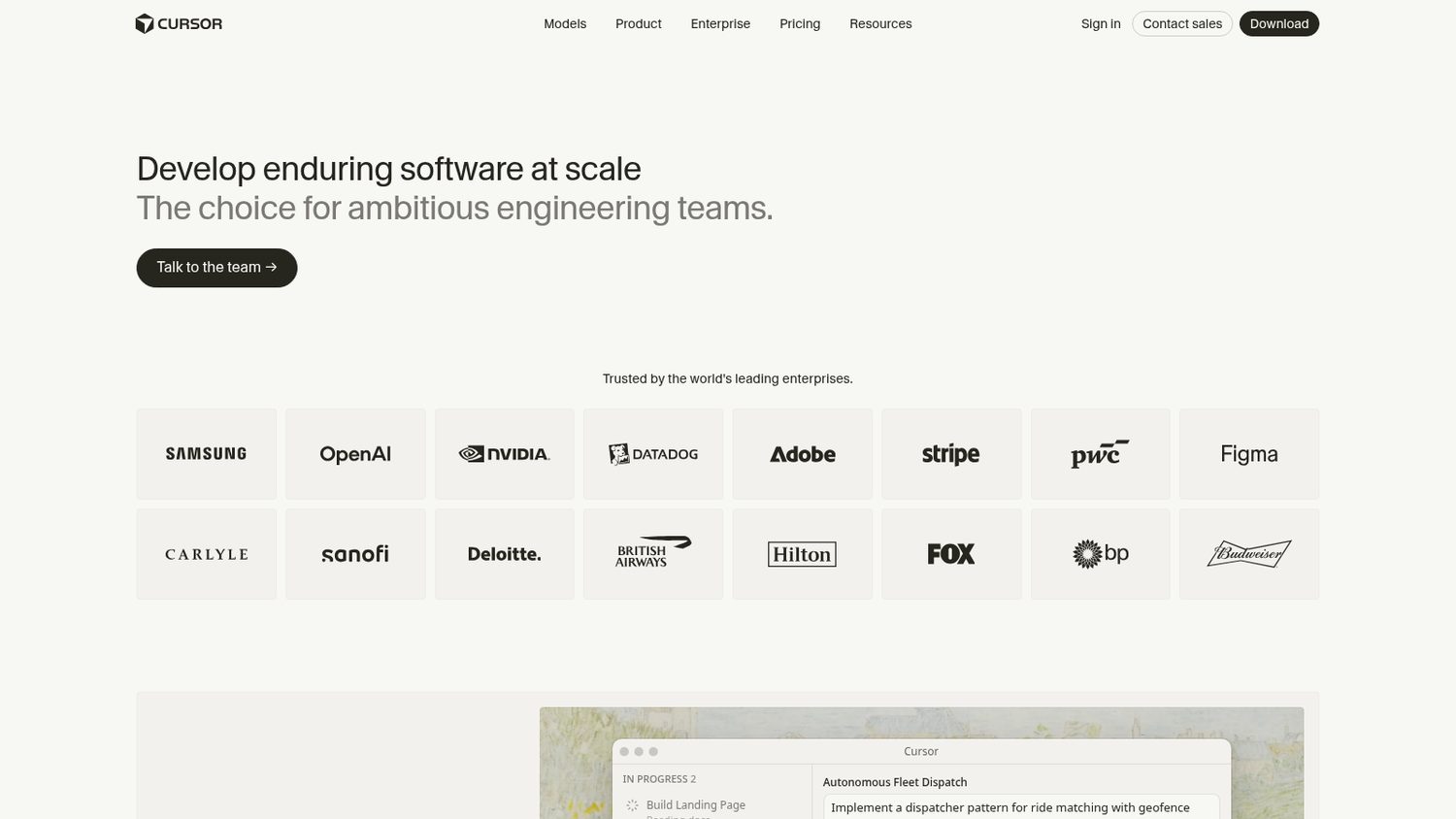
But you are not buying a tool. You are renting a seat.
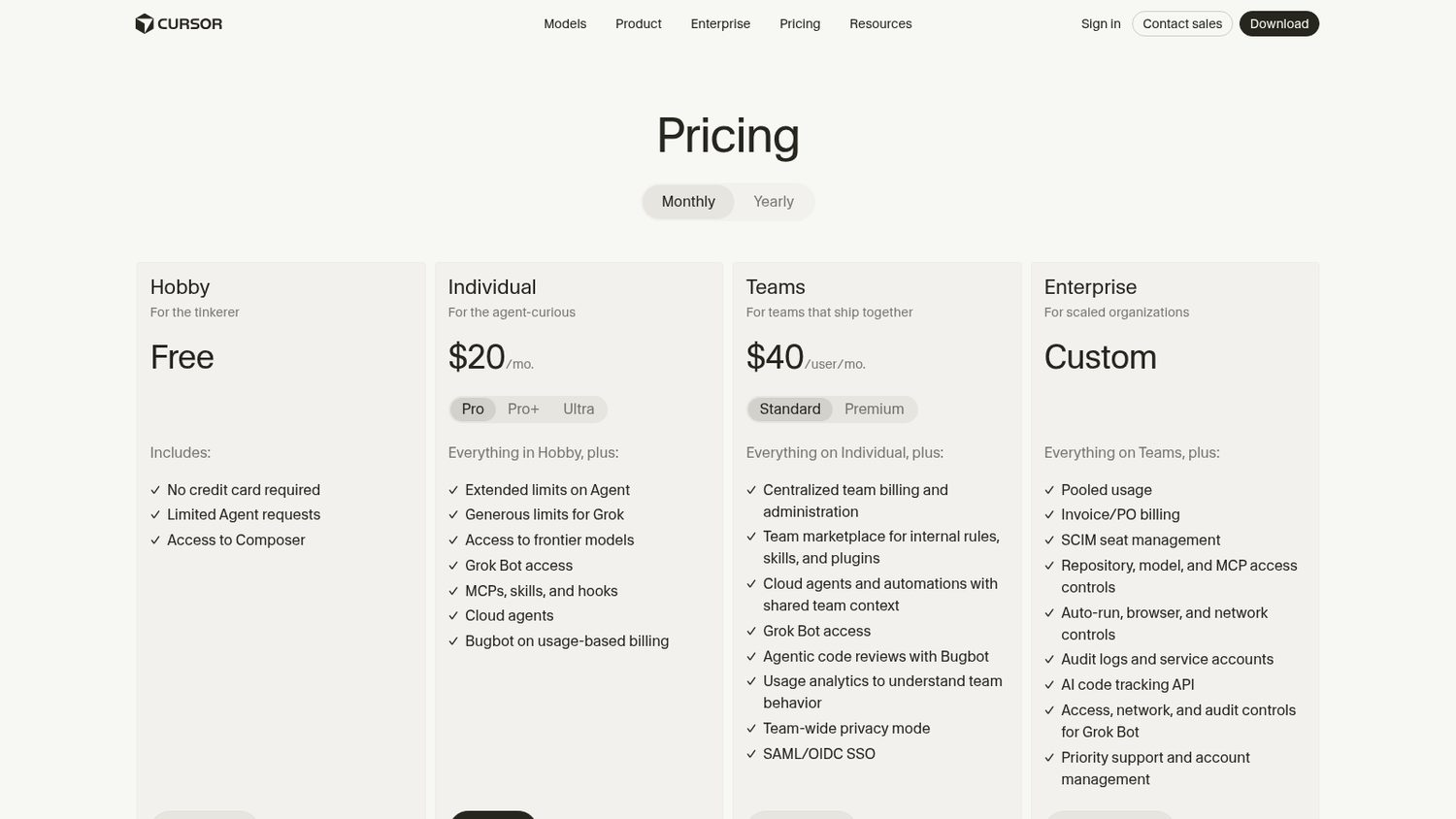
Every person you add is another bill every month, and the heavier agent work is charged by usage on top of the plan.
And the editor is theirs. The setup you build lives inside it.
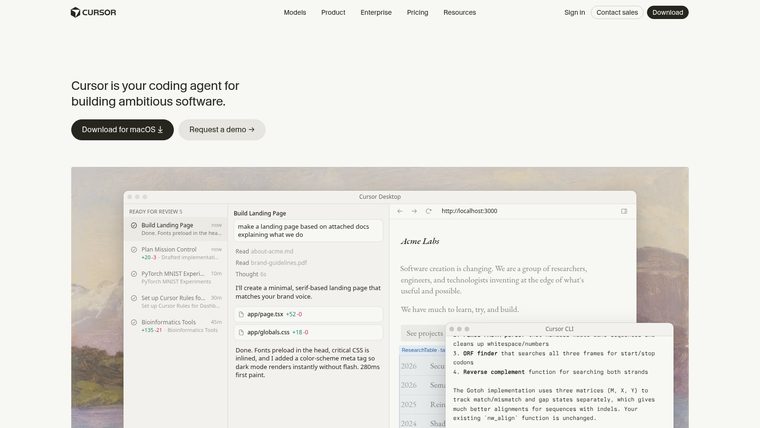
Cursor Pro is $20 a month.
Then someone put a coding agent on GitHub.
It is called Cline.
It drops into the free code editor you already have and does the work: reads your project, writes the code, runs it, fixes what breaks.
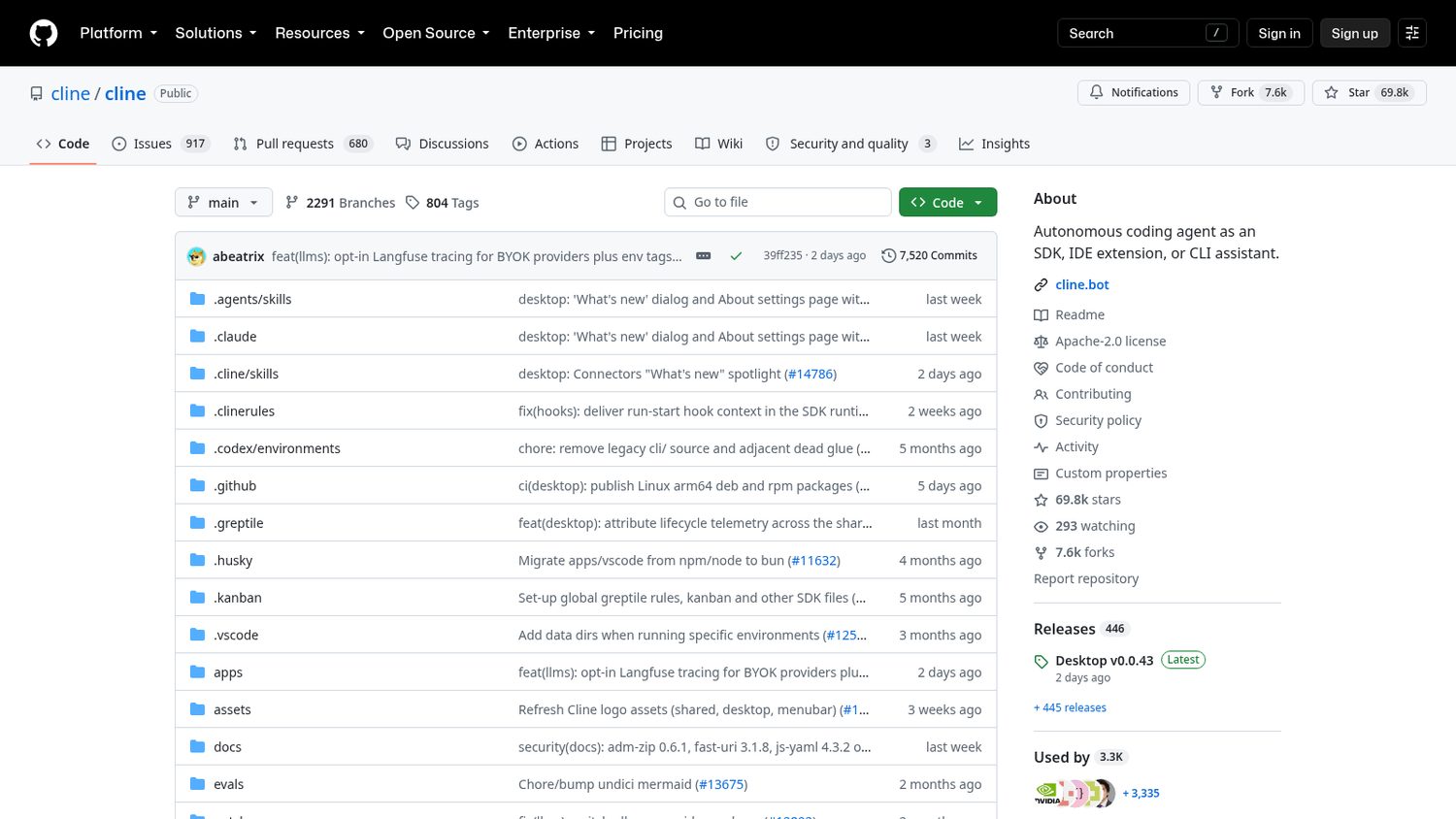
You add it to the editor you already have.
Then you bring the brain: a free model on your own machine, or a key you pay per use.
You describe the change. It shows you every edit and every command and waits for you to say yes.
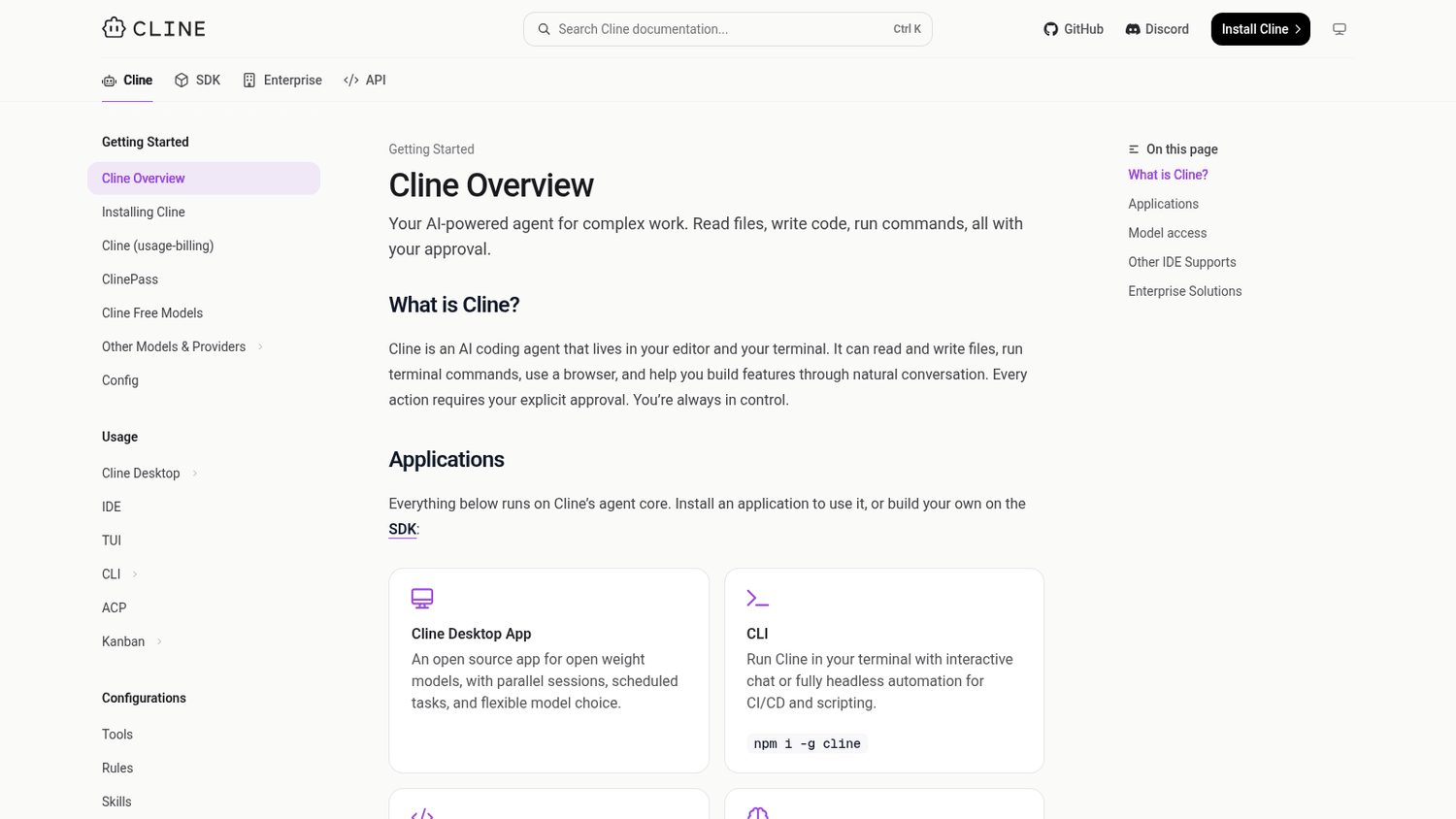
Here is what Cline ships:
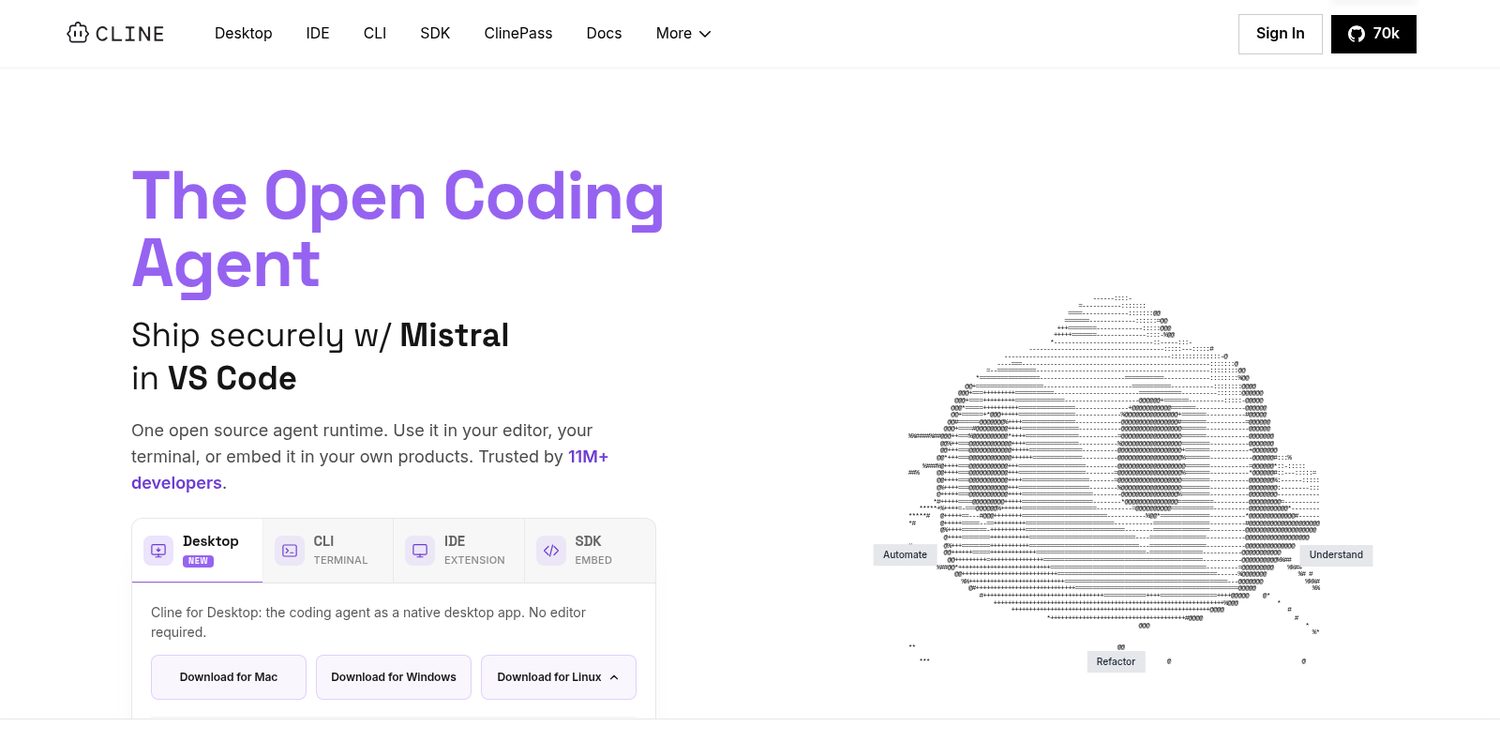
Worth noticing:
Cline does not charge a subscription, but the model does the work and the model costs money.
A free one on your own machine costs nothing and needs a decent computer. A key costs you per use.